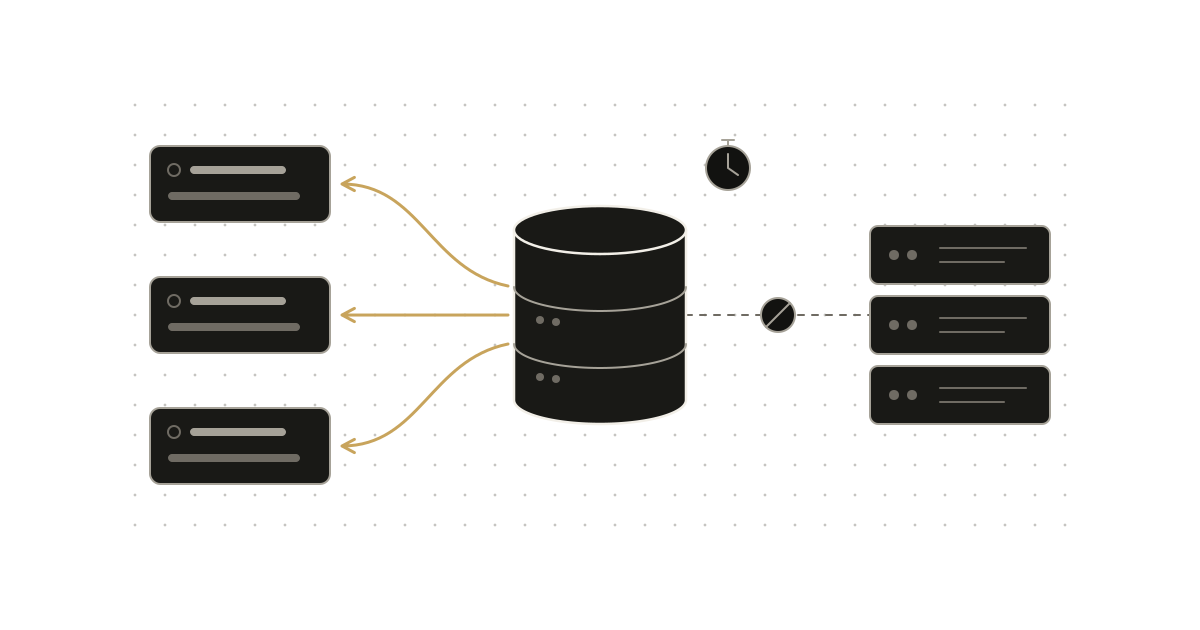
Nothing substantive landed in the last 72 hours that fit this blog's focus, so today is a pro tip. The topic is a common surprise in Nuxt data fetching: you call useFetch for the same resource in two places, or navigate away and back, and the request fires again. Whether it does depends on three things you control: the key, the getCachedData option, and the dedupe policy.
The common mistake
Two components load the same list, each with a bare useFetch:
// ComponentA.vue
const { data } = await useFetch("/api/users");

// ComponentB.vue
const { data } = await useFetch("/api/users");
It is natural to assume these share a request. They don't. The data fetching guide says useFetch generates its key from the URL, the fetch options and the location of the call in your source. Two calls with the same URL in different components therefore get different keys and each perform their own request.
The second assumption is that data stays cached once fetched, so navigating back is free. That is also not the default, as the next section shows.
What the default cache actually does
According to the useAsyncData reference, the default getCachedData looks like this:
const getDefaultCachedData = (key, nuxtApp, ctx) =>
    nuxtApp.isHydrating ? nuxtApp.payload.data[key] : nuxtApp.static.data[key];
During hydration it reads the server payload, which is what avoids refetching on the client after SSR. After that it reads nuxtApp.static.data. The useFetch page adds that this only activates when experimental.payloadExtraction is enabled. In practice, the default is a hydration and static-payload optimization. It is not a general-purpose client-side cache, so a normal client-side navigation to a page that calls useFetch runs the handler again.
That is a reasonable default, because stale data is a worse bug than an extra request. But for data that rarely changes (a taxonomy, a feature list, a user's profile), you may want to opt in to reuse.
Fix 1: use explicit, shared keys
If several components need the same data, give them the same key. Per the data fetching guide, calls sharing a key share the same data, error and status refs:
// composables/useUsers.ts
export function useUsers() {
    return useAsyncData("users", () => $fetch("/api/users"));
}
Wrapping it in a composable matters here. The docs list options that must stay consistent across calls with one key: the handler, deep, transform, pick, getCachedData and default. Differences trigger development warnings. Options such as server, lazy, immediate, dedupe and watch may differ. One composable guarantees the consistent set is written once.
Fix 2: opt in to a client cache with getCachedData
getCachedData receives (key, nuxtApp, ctx), and ctx.cause tells you why the fetch is happening: 'initial', 'refresh:manual', 'refresh:hook' or 'watch'. Returning a value skips the handler. Returning undefined lets it run.
A cache that serves data on initial loads and navigations, but still honors explicit refreshes and watch-driven changes:
export function useUsers() {
    const nuxtApp = useNuxtApp();
    return useAsyncData("users", () => $fetch("/api/users"), {
        getCachedData(key, nuxtApp, ctx) {
            // An explicit refresh or a watched source change must hit the network.
            if (ctx.cause === "refresh:manual" || ctx.cause === "watch") {
                return undefined;
            }
            return nuxtApp.isHydrating ? nuxtApp.payload.data[key] : nuxtApp.static.data[key];
        },
    });
}
That version just reproduces the default while making the cause check explicit. To go further, you would return something from your own store. Note that the handler and cache source are your design: the docs specify the signature and the cause values, not a prescribed cache implementation. If you keep your own cache, you own its invalidation and expiry.
Fix 3: show cached data while refetching
If you would rather always refetch but avoid an empty screen, useNuxtData reads the current cached value for a key and returns a ref that is undefined when nothing is cached:
const { data: cachedUsers } = useNuxtData("users");

const { data: users } = await useAsyncData("users", () => $fetch("/api/users"), {
    default: () => cachedUsers.value,
});
The docs describe this as a cached-placeholder pattern, and the key caveat is that the original composable must have been called with an explicit key. The same page describes optimistic updates: store the previous cached value, update optimistically, and restore it if the request fails.
Dedupe: concurrent requests are a separate problem
Caching and deduplication are different. dedupe controls what happens when the same key is requested while a request is already in flight. It accepts 'cancel' (the default) or 'defer'. With cancel, a new call cancels the pending one. With defer, callers wait on the in-flight request instead of starting another. If many components mount at once and request the same key, defer avoids parallel work, while cancel is better when the latest parameters should win, such as search input.
The handler also receives an AbortSignal as options.signal, so cancelled requests can actually abort the underlying call if you pass it on.
Invalidation
Once you cache, you need a way out. The guide names two global utilities: refreshNuxtData refetches by key, and clearNuxtData invalidates cached data. Per-instance refresh() and execute() work too. Use them after mutations so a cached list does not outlive the write that changed it.
Trade-offs and when not to do this
- Staleness. A client cache that never expires will show outdated data. Only opt in for data where that is acceptable, or add your own time-based check.
- Per-user data. Do not key per-user responses with a shared static key unless the cache is scoped to that user.
- Consistency rules. Changing
transform,pickordefaulton only one call that shares a key produces warnings and surprising shared state. - Keep the default when data must be fresh on every navigation. The default behavior is correct for that case, and the extra request is the price of correctness.