Nothing substantive shipped in the last 72 hours that we haven't already covered, so today is a pro tip, and this time it's Next.js. Everything below is checked against the current Next.js 16.3.x docs for caching and use cache.
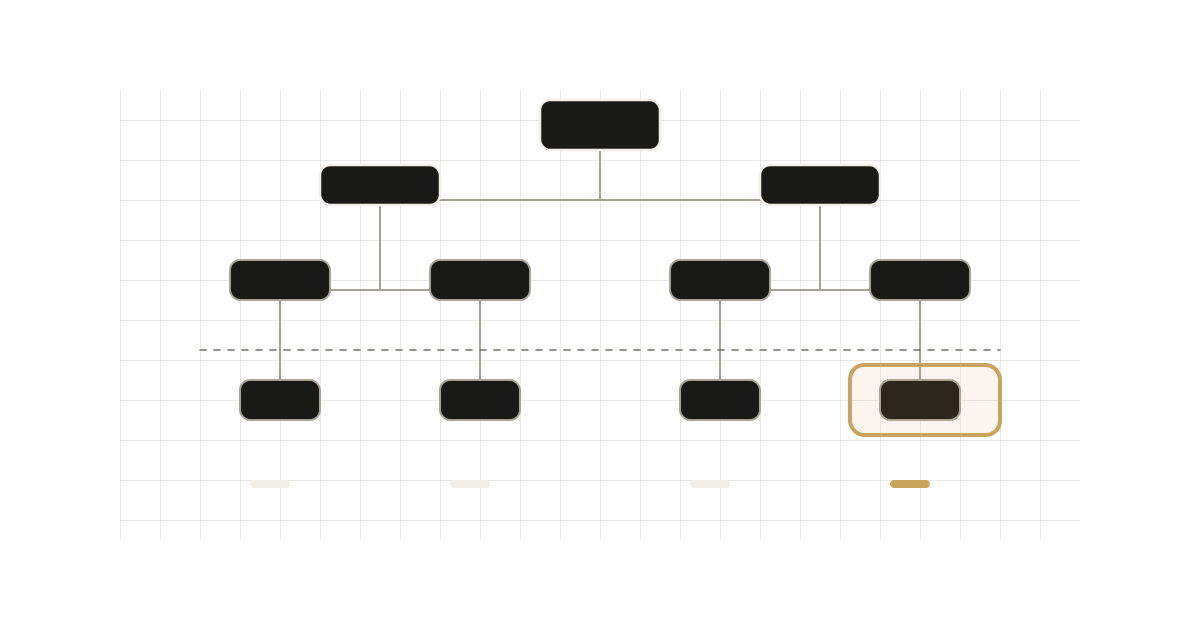
The tip: with Cache Components, the depth at which you await runtime data decides how much of the route is prerendered. Awaiting params, cookies() or an uncached fetch at the top of a layout turns the whole subtree into request-time work. Awaiting the same value three components lower leaves the rest in the static shell.
The setup
Cache Components is opt-in:
// next.config.ts
import type { NextConfig } from "next";

const nextConfig: NextConfig = {
  cacheComponents: true,
};

export default nextConfig;
With it on, prerendering is the default model. Each component falls into one of a few buckets, according to the docs:
- Pure computation, module imports and synchronous I/O complete at build time and land in the shell automatically.
use cacheresults join the shell, provided their lifetime isn't too short.- Uncached async work and runtime APIs (
cookies,headers,searchParams, dynamicparams) must sit behind<Suspense>. The fallback goes into the shell and the content streams at request time. - Non-deterministic calls such as
Math.random(),Date.now()orcrypto.randomUUID()need eitherconnection()plus<Suspense>, oruse cache.
The docs say Next.js surfaces a validation insight (the "blocking route" insight in the dev overlay) when something can't complete during prerendering and has no boundary or cache. That is the signal for this tip.
The common mistake
A layout that reads a dynamic param at the top:
// app/shop/[slug]/layout.tsx
export default async function Layout({
  children,
  params,
}: LayoutProps<"/shop/[slug]">) {
  const { slug } = await params;

  return (
    <div>
      <Sidebar />
      <h1>{slug}</h1>
      {children}
    </div>
  );
}
If slug isn't supplied by generateStaticParams, it is runtime data. Because the layout itself awaits it, the layout can't be prerendered, and neither can the Sidebar that has nothing to do with the param. The docs use this exact example.
The fix
Don't make the layout async. Pass the promise down, or .then() it inside a boundary:
import { Suspense } from "react";

export default function Layout({
  children,
  params,
}: LayoutProps<"/shop/[slug]">) {
  return (
    <div>
      <Sidebar />
      <Suspense fallback={<h1>Loading...</h1>}>
        {params.then(({ slug }) => (
          <SlugHeading slug={slug} />
        ))}
      </Suspense>
      {children}
    </div>
  );
}

function SlugHeading({ slug }: { slug: string }) {
  return <h1>{slug}</h1>;
}
Now Sidebar, children and the fallback are part of the shell, and only SlugHeading streams. The docs state that the same principle applies to cookies(), headers(), searchParams and data fetches.
Then cache by argument
Once the read sits low in the tree, you can also give the expensive part a lifetime. A use cache scope can't call cookies() or headers() itself, and this extends to helpers it calls. The docs' preferred pattern is to read the runtime value outside and pass it in:
import { cookies } from "next/headers";
import { Suspense } from "react";
import { cacheLife } from "next/cache";

export default function Page() {
  return (
    <Suspense fallback={<div>Loading...</div>}>
      <ProfileContent />
    </Suspense>
  );
}

async function ProfileContent() {
  const session = (await cookies()).get("session")?.value;
  return <CachedContent sessionId={session} />;
}

async function CachedContent({ sessionId }: { sessionId?: string }) {
  "use cache";
  cacheLife("minutes");
  const data = await fetchUserData(sessionId);
  return <div>{data}</div>;
}
Arguments and captured outer-scope variables become part of the cache key, so each sessionId gets its own entry. Setting cacheLife explicitly is recommended; without it the default profile applies (stale 5 minutes on the client, revalidate 15 minutes on the server, no time-based expiry).
Trade-offs and caveats
- Serverless caches may not hit. The default store is in-memory. On serverless, entries typically don't persist across requests, so the cached function may re-run. Self-hosted Node keeps entries, and
cacheMaxMemorySizelimits the size.use cache: remotegives a shared handler, at the cost of a network round trip and, typically, platform fees. The docs say it pays off only at a high hit rate. - A per-session cached component is not in the static shell. It's gated behind request data. What you gain is the prefetch path: with Partial Prefetching enabled, a lifetime lets the result join a prefetch.
- Passing a promise into a cached function can hang the build. If you hand
cookies()(the promise) or other runtime promises to ause cachefunction as props, prerender waits until a 50-second timeout. Await outside and pass the value. The docs show the same failure for promises stashed in a sharedMap. React.cachedoesn't cross the boundary. Insideuse cacheit has an isolated scope, so values set outside are invisible. Use arguments.- Cache entries don't survive a deploy. The build ID (or
deploymentId) is in the key. - Bots get a full dynamic render. Per the docs, crawlers skip the shell and receive complete HTML rendered at request time, so anything in your shell that depends on build-only inputs must also work at request time.
- Request APIs in cached code can pass
next buildand fail later on dynamically rendered routes, because the error surfaces when the route runs.
When the original pattern is fine
If a layout is cheap, has few siblings, or the route is dynamic by design, awaiting at the top costs you little, and splitting it up adds indirection. The restructuring pays off when the awaited value is used by a small part of a large subtree. Predictable data, such as a config file that never changes, doesn't need any of this: read it at module scope and it prerenders on its own.
A quick checklist
- Turn on
cacheComponentsand open the dev overlay on your heaviest route. - For each blocking-route insight, find the shallowest
awaitof runtime data. - Move it into the smallest component that needs the value, behind
<Suspense>. - If that component is expensive and the value has few distinct inputs, extract the value and pass it into a
use cachefunction with an explicitcacheLife.