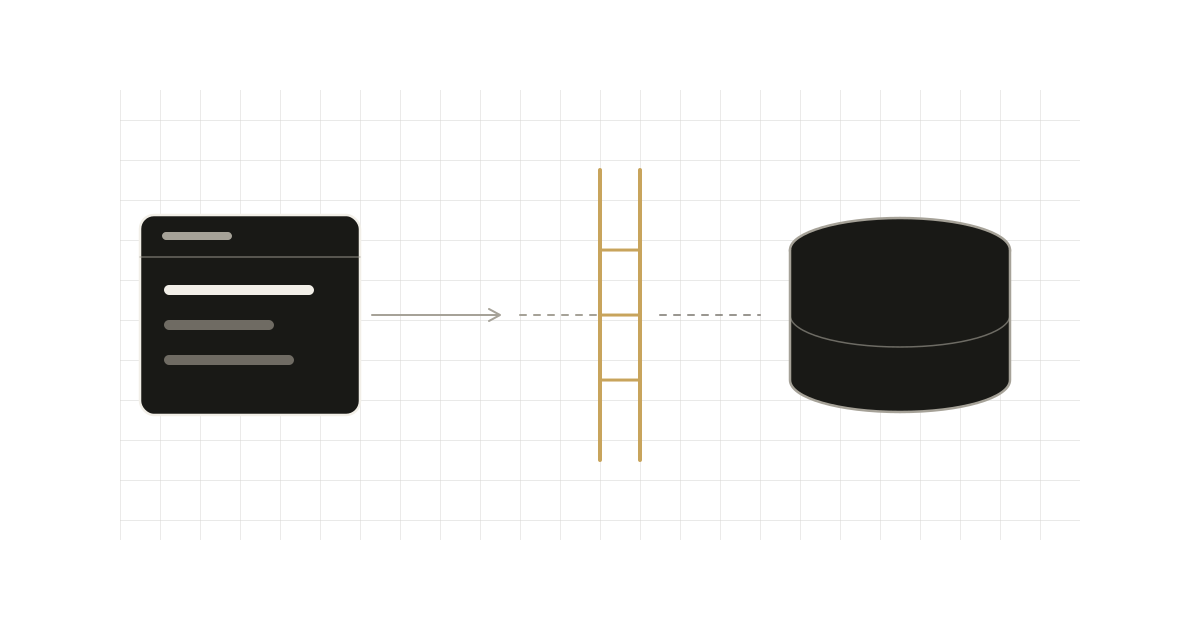
Nothing substantive shipped in the last 72 hours that earlier posts hadn't covered, so today is a pro tip. The topic is a small option that removes a whole family of conditional-fetch hacks: enabled. Everything below is checked against the current Nuxt 4 docs for useAsyncData and useFetch. The docs mark enabled as available from v4.5, so check your version first.
The common mistake
You need a request that must not run until some condition holds: the user is authenticated, a selection exists, a feature flag is on. The usual workarounds:
// 1. Guard inside the handler
const { data } = await useAsyncData("profile", () =>
    isLoggedIn.value ? $fetch("/api/profile") : null,
);

// 2. Defer and remember to fire it yourself
const { data, execute } = await useAsyncData("profile", () => $fetch("/api/profile"), {
    immediate: false,
});
watch(isLoggedIn, (v) => v && execute());
Both work, and both leak. The first still "runs" the handler: it flips status to pending and success, and it resolves to null, which looks identical to "the server returned nothing". The second only gates the initial call. A later refresh() or a watch trigger isn't covered by immediate: false, so the guard has to be repeated at every call site.
What the docs say enabled does
enabled accepts a boolean, ref or computed (MaybeRefOrGetter<boolean>) and defaults to true. The docs describe it as a barrier on whether the request may run. While it is false, three things are blocked:
- the initial fetch,
execute/refreshcalls,- triggers from
watch.
That is the difference from immediate: false, which, per the docs, only prevents the request from firing immediately and leaves status at idle.
<script setup lang="ts">
const isLoggedIn = ref(false);

const { data, execute } = useAsyncData(
    "profile",
    (_nuxtApp, { signal }) => $fetch("/api/profile", { signal }),
    { enabled: isLoggedIn },
);
</script>
The handler is blocked until isLoggedIn becomes true. Because it is a ref, the gate stays reactive; you do not re-create the call.
The sharp edge: re-enabling does not fetch
This is the part worth remembering. The docs state it explicitly: re-enabling does not refetch on its own. Flipping the flag from false to true opens the gate, nothing more. You still have to trigger the request, either by calling execute() or by having a watch source change afterwards:
isLoggedIn.value = true;
await execute(); // required: the gate opening is not a trigger
If you expected enabled to behave like a declarative "fetch when true", it does not. Treat it as a permission, not a trigger. When you do want automatic fetching on the flip, pair it with a watch source that changes at the same moment, or call execute() from the code that flips the flag.
The reverse transition is more forgiving. Going from true to false cancels any in-flight request but leaves data in place. That is useful for logout flows where you want to stop the pending call without blanking the UI mid-transition. If you do want the data gone, clear it yourself.
Note the handler in the example takes signal from its second argument and passes it to $fetch. That is the pattern the docs use, and it is what makes the in-flight cancellation actually abort the network request rather than just ignoring the result.
When to pick which
| Need | Use |
|---|---|
| Run only after a condition, and block every path (refresh, watchers) until then | enabled |
Skip the first run, but let manual execute() through | immediate: false |
| Never fetch on the server | server: false (status is idle during server render, per the docs) |
| Don't run the request at all, don't mount the consumer | v-if on the component |
immediate: false remains the right tool when the first call is deliberately user-driven, for example a "Load more" button, because you want execute() to work unconditionally. enabled is the right tool for a precondition, where nothing should run while it is unmet.
Interaction with watchers
Fetch options passed as a ref or computed are watched by default in useFetch, and watch: false stops that, per the useFetch docs. With enabled: false, those watch triggers are suppressed too. Combine them for a typical dependent-query pattern:
const userId = ref<string | null>(null);

const { data: orders, status } = useFetch("/api/orders", {
    query: { userId },
    enabled: () => userId.value !== null,
});
A getter works because the type is MaybeRefOrGetter<boolean>. While userId is null, nothing is requested. Once it is set, the query option changes. Whether that change alone triggers the request after a blocked period is exactly the re-enable question above, so verify the behaviour in your own flow, with a test, before relying on it. The docs promise only that re-enabling does not refetch by itself.
Trade-offs and caveats
- Version floor.
enabledis 4.5+. On older 4.x or on Nuxt 3, useimmediate: falseplus an explicit guard. The docs' version table listsenabledat v4.5,timeoutat v4.2 anddedupeat v3.9. - Check
statuswhile gated. The docs don't say whichstatusa gated request reports, so confirm it in your version. They do sayidlemeans the request has not started, and thatpendingis alsotruewhilestatusisidlewith no cached data only whenexperimental.pendingWhenIdleis enabled. - Decide who owns the gate. The gate is an option on each call. If several components share one key, agree on which one sets
enabled. See the earlier post on shared keys. - It is not a security boundary.
enabledonly stops the client from asking. Authorization still belongs on the server route.
The takeaway
Move preconditions out of handlers and watchers and into enabled. You get one declaration that blocks the initial fetch, manual refreshes and watcher-driven refetches, and you stop encoding "no data yet" as a null success. Just remember that opening the gate is not a trigger: call execute() when the condition turns true.