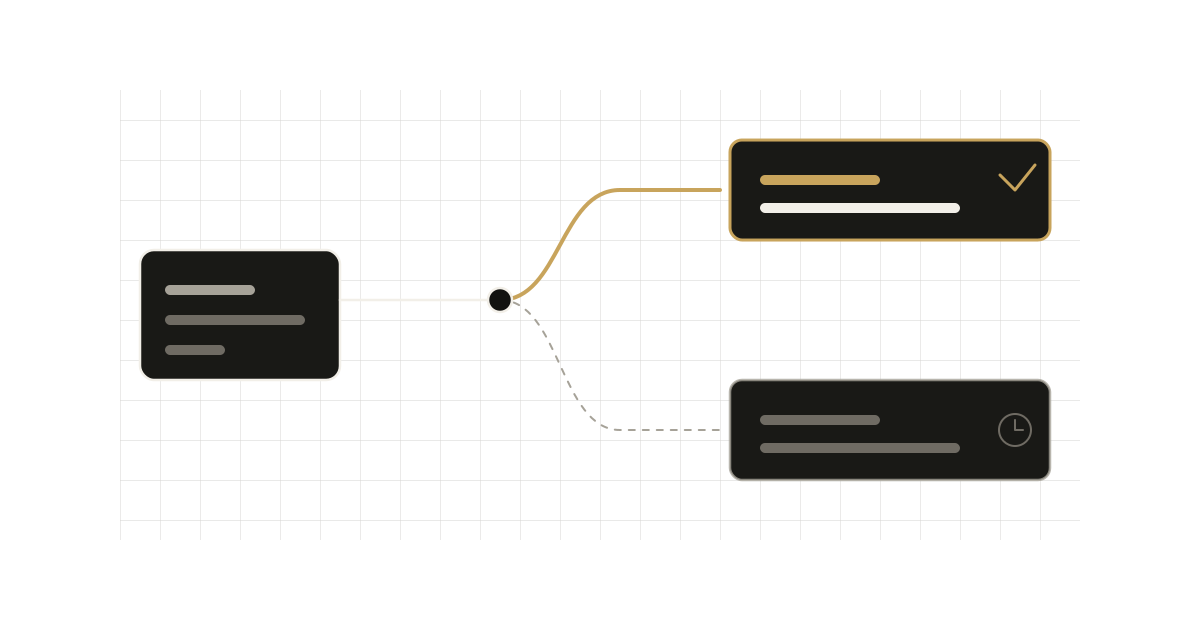
A lot of App Router code still has a Server Action that ends with revalidateTag("posts"), followed by a redirect(). It works today, but the one-argument form is deprecated, and the reason it exists at all is a distinction the current docs make explicit: there are two different invalidation semantics, and they have different APIs.
The common mistake
// app/actions.ts
"use server";

import { revalidateTag } from "next/cache";
import { redirect } from "next/navigation";

export async function createPost(formData: FormData) {
    const post = await db.post.create({ data: { title: formData.get("title") } });

    revalidateTag("posts"); // single-argument form
    redirect(`/posts/${post.id}`);
}
Two problems hide here.
First, the revalidateTag reference documents the signature as revalidateTag(tag, profile) and calls the single-argument form deprecated. It currently works only if TypeScript errors are suppressed, and the docs warn it may be removed in a future version.
Second, the behaviour you get without a profile is not what most people assume. The docs say that omitting the second argument behaves like { expire: 0 }: stale content is never served, and the next request is a blocking revalidate. That is the right behaviour for "the user just saved something", but you got it by accident, in a form that is going away, and you used a function whose recommended mode does the opposite.
Two semantics, two functions
The docs split cache invalidation into two intents.
Read-your-own-writes: updateTag. The updateTag reference describes it as designed for the case where a user changes something and the UI must show the change immediately. It expires the tagged data right away, and the next request waits for fresh data instead of serving stale content. It can only be called from within Server Actions. Calling it from a Route Handler throws.
"use server";

import { updateTag } from "next/cache";
import { redirect } from "next/navigation";

export async function createPost(formData: FormData) {
    const post = await db.post.create({ data: { title: formData.get("title") } });

    updateTag("posts"); // list pages
    updateTag(`post-${post.id}`); // detail page
    redirect(`/posts/${post.id}`);
}
This mirrors the example in the docs: tag the list and the detail page separately, expire both, then redirect to a page that renders fresh data.
Eventual freshness: revalidateTag(tag, "max"). With the recommended max profile, tagged data is marked stale. The next request is served the stale entry while a revalidation runs in the background, which is stale-while-revalidate. The docs describe max as a one-year window, long enough that requests are always served stale content during revalidation. This is the right choice for content where a short delay is acceptable: blog posts, catalogs, docs. It works in Server Functions and Route Handlers, but not in Client Components or Proxy.
// app/api/revalidate/route.ts
import type { NextRequest } from "next/server";
import { revalidateTag } from "next/cache";

export async function GET(request: NextRequest) {
    const tag = request.nextUrl.searchParams.get("tag");
    if (!tag) return Response.json({ revalidated: false });

    revalidateTag(tag, "max");
    return Response.json({ revalidated: true, now: Date.now() });
}
(That route is lifted from the docs' pattern. In a real project, put authentication in front of any endpoint that can invalidate your cache; the docs example does not show it.)
Which one when
| Situation | Call |
|---|---|
| User submits a form and lands on a page that must show the write | updateTag(tag) in the Server Action |
| CMS or webhook tells you content changed | revalidateTag(tag, "max") in a Route Handler |
| Webhook where the data must be gone immediately | revalidateTag(tag, { expire: 0 }) |
| Admin edit where a few seconds of staleness is fine | revalidateTag(tag, "max") in the Server Action |
The third row is the one the docs call out explicitly: when invalidation comes from outside a Server Action, updateTag is not available, so pass { expire: 0 } to expire the data immediately. The profile argument also accepts other profiles defined in cacheLife, of which only expire is read, or an object with an expire in seconds.
A timing detail that matters
The docs note that a revalidation is triggered by a request, not by the revalidateTag call. Pages that use the tag revalidate as they are visited, not all at once. Two consequences for production:
- Calling
revalidateTag(tag, "max")after a large import does not cause a thundering herd. Each page revalidates when someone requests it. - It also means the first visitor after the call still sees the old content. If that visitor is the author who just saved, you have a read-your-own-writes bug. This is the exact case
updateTagexists for.
Tags must exist first
Neither function does anything unless the tag was assigned to cached data. You assign it either with fetch(url, { next: { tags: ["posts"] } }) or with cacheTag("posts") inside a function or component marked "use cache". Tags are case-sensitive and capped at 256 characters. The revalidateTag docs add a nasty corollary: a tag that exceeds the limit is never assigned to cached data, so revalidating it silently does nothing. Generate tags from IDs with a helper, and keep the prefix short.
import { cacheTag } from "next/cache";

export async function getPost(id: string) {
    "use cache";
    cacheTag("posts", `post-${id}`);
    return db.post.findUnique({ where: { id } });
}
Where refresh() fits
There is a third function in the same module. The refresh reference describes it as refreshing the client router from within a Server Action. Like updateTag, it is Server Actions only. Its example calls it with no arguments after a database write. It takes no tag, so it is not a cache invalidation tool; reach for it when the thing that changed is not behind a tag.
Trade-offs
updateTagmakes the next request block on fresh data. That is the point, but a slow data source now sits on the user's critical path after every write. Expire only the tags that the destination page actually reads.revalidateTag(tag, "max")keeps pages fast, but you accept that someone can see old content after a change. For content people edit and immediately inspect, that is a bug, not a feature.- Splitting the logic by context means the same mutation may need
updateTagin a Server Action andrevalidateTagin a webhook. Wrap tag names in one module so both paths share the same strings. - The docs say
updateTagandrevalidatePathserve different purposes and may need to be used together. Prefer tags when the same data appears on several routes, and paths when you are invalidating one specific page or layout.
When the old pattern is still fine
If you are on a version where the code compiles and behaves as you want, nothing breaks tomorrow, since the docs say the one-argument form currently works. But it is explicitly slated for migration: the docs point to updateTag in Server Actions or profile="max" elsewhere. Treat it as a mechanical cleanup: search for revalidateTag( calls with one argument, and choose per call site whether the user needs to see the write immediately.